Using luajit with mpv
Information about my mpv config
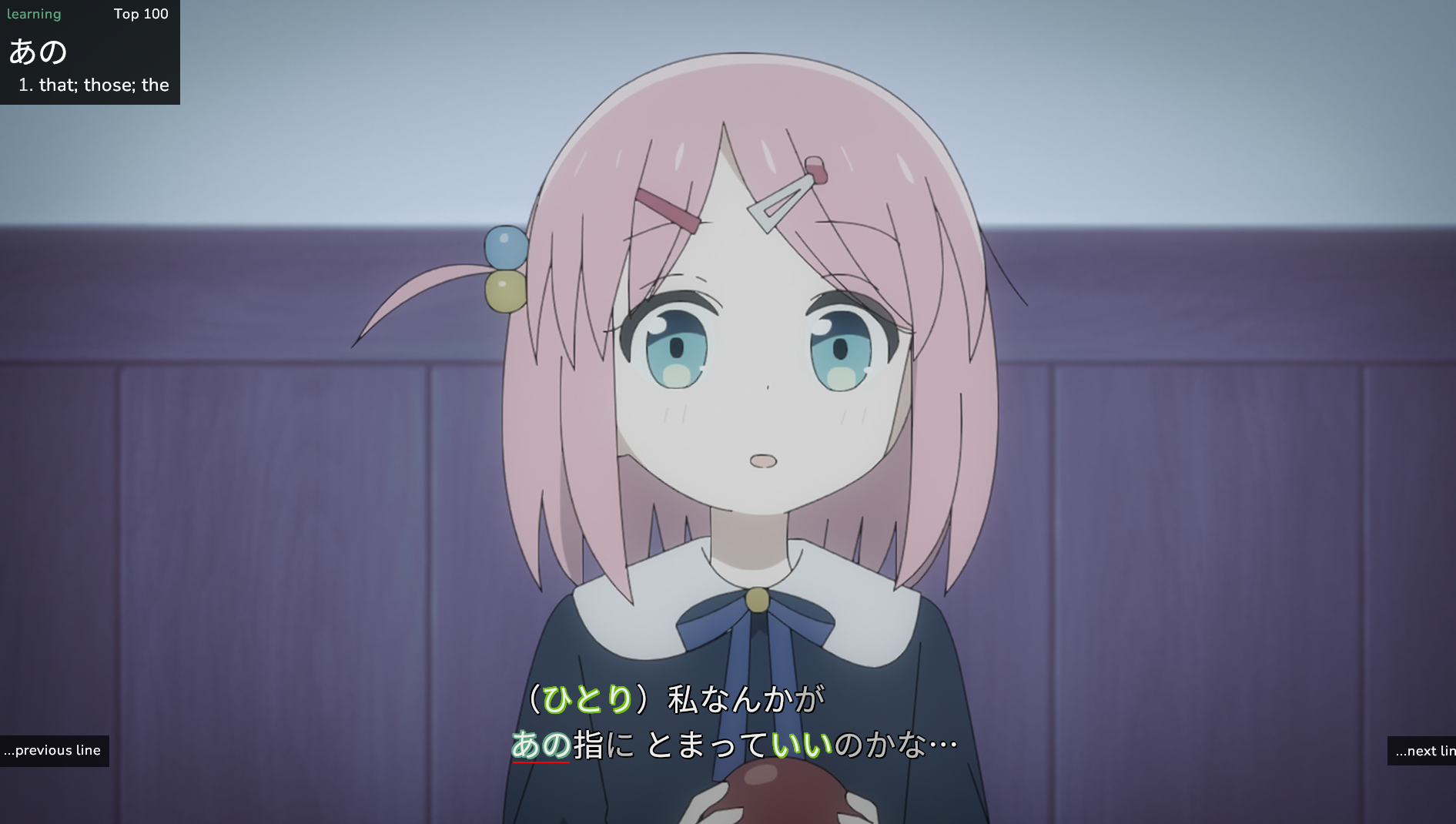
After trying to run the jpdb.io mpv plugin which works very well on Arch Linux etc., but on NixOS installing it is a bit more trouble as it requires LuaJIT to function, you’ll need to install the mpv package differently
{ programs.mpv = { enable = true; package = let mpvWithLuajit = pkgs.mpv-unwrapped.override { lua = pkgs.luajit; }; in mpvWithLuajit.wrapper { mpv = mpvWithLuajit; scripts = with pkgs.mpvScripts; [ mpris autoload ]; }; }}But that sadly still wasn’t enough to run the plugin on my system because I was missing some libraries that the Rust binary of the jpdb plugin required. To run the installer, you’ll also need these dependencies in your library path FYI
extraMakeWrapperArgs = [ "--prefix" "LD_LIBRARY_PATH" ":" "${lib.makeLibraryPath [ pkgs.wayland pkgs.libxkbcommon ]}" ];After that it worked flawlessly
Seeing as I’m talking about my mpv config already, here’s my current config at the time of writing this article with all the tweaks made to it commented on why and what.
{ pkgs, lib, ... }:
let  # Anime4K you'll see this one a couple of times during this config but essentially improves the quality of most 1080p anime to look much better after pressing ctrl+1  # Anime4K shader paths  anime4kPath = "${pkgs.anime4k}";
  # Common shaders  shaders = {    clamp = "${anime4kPath}/Anime4K_Clamp_Highlights.glsl";    restore_cnn_vl = "${anime4kPath}/Anime4K_Restore_CNN_VL.glsl";    restore_cnn_soft_vl = "${anime4kPath}/Anime4K_Restore_CNN_Soft_VL.glsl";    restore_cnn_m = "${anime4kPath}/Anime4K_Restore_CNN_M.glsl";    restore_cnn_soft_m = "${anime4kPath}/Anime4K_Restore_CNN_Soft_M.glsl";    upscale_cnn_x2_vl = "${anime4kPath}/Anime4K_Upscale_CNN_x2_VL.glsl";    upscale_cnn_x2_m = "${anime4kPath}/Anime4K_Upscale_CNN_x2_M.glsl";    upscale_denoise_cnn_x2_vl = "${anime4kPath}/Anime4K_Upscale_Denoise_CNN_x2_VL.glsl";    downscale_pre_x2 = "${anime4kPath}/Anime4K_AutoDownscalePre_x2.glsl";    downscale_pre_x4 = "${anime4kPath}/Anime4K_AutoDownscalePre_x4.glsl";  };
  # Helper function to create shader chain command  mkShaderCmd =    shaderList: modeName:    "no-osd change-list glsl-shaders set \"${lib.concatStringsSep ":" shaderList}\"; show-text \"Anime4K: ${modeName}\"";
  # Anime4K mode definitions  anime4kModes = {    "1" = {      shaders = with shaders; [        clamp        restore_cnn_vl        upscale_cnn_x2_vl        downscale_pre_x2        downscale_pre_x4        upscale_cnn_x2_m      ];      name = "Mode A (HQ)";    };    "2" = {      shaders = with shaders; [        clamp        restore_cnn_soft_vl        upscale_cnn_x2_vl        downscale_pre_x2        downscale_pre_x4        upscale_cnn_x2_m      ];      name = "Mode B (HQ)";    };    "3" = {      shaders = with shaders; [        clamp        upscale_denoise_cnn_x2_vl        downscale_pre_x2        downscale_pre_x4        upscale_cnn_x2_m      ];      name = "Mode C (HQ)";    };    "4" = {      shaders = with shaders; [        clamp        restore_cnn_vl        upscale_cnn_x2_vl        restore_cnn_m        downscale_pre_x2        downscale_pre_x4        upscale_cnn_x2_m      ];      name = "Mode A+A (HQ)";    };    "5" = {      shaders = with shaders; [        clamp        restore_cnn_soft_vl        upscale_cnn_x2_vl        downscale_pre_x2        downscale_pre_x4        restore_cnn_soft_m        upscale_cnn_x2_m      ];      name = "Mode B+B (HQ)";    };    "6" = {      shaders = with shaders; [        clamp        upscale_denoise_cnn_x2_vl        downscale_pre_x2        downscale_pre_x4        restore_cnn_m        upscale_cnn_x2_m      ];      name = "Mode C+A (HQ)";    };  };
  # Generate Anime4K bindings  anime4kBindings = lib.mapAttrs' (    key: mode: lib.nameValuePair "CTRL+${key}" (mkShaderCmd mode.shaders mode.name)  ) anime4kModes;in
{  programs.mpv = {    enable = true;    package =      let      # luajit for jpdb        mpvWithLuajit = pkgs.mpv-unwrapped.override {          lua = pkgs.luajit;        };      in      mpvWithLuajit.wrapper {        mpv = mpvWithLuajit;        scripts = with pkgs.mpvScripts; [          # KDE Connect & system integration          mpris          # Binge Binge Binge Binge          autoload          memo          # use if you want a different skin for mpv          # modernz          thumbfast          mpv-cheatsheet          # Only working video encoder plugin i found lmfao          occivink.encode        ];        # libraries for jpdb        extraMakeWrapperArgs = [          "--prefix"          "LD_LIBRARY_PATH"          ":"          "${lib.makeLibraryPath [            pkgs.wayland            pkgs.libxkbcommon          ]}"          "--prefix"          "PATH"          ":"          "${lib.makeBinPath [ pkgs.ffmpeg-full ]}"        ];      };
    # Configuration options    config = {      # Screenshot settings      screenshot-format = "png";      screenshot-high-bit-depth = "yes";      # Playback settings      autoload-files = "yes";      keep-open = "no";      playlist-start = "auto";      vo = "gpu-next";      # GLSL shaders (Anime4K) - Default Mode A      glsl-shaders = anime4kModes."1".shaders;    };
    # Key bindings    bindings = anime4kBindings // {      # Clear shaders / ctrl+1 to enable      "CTRL+0" = "no-osd change-list glsl-shaders clr \"\"; show-text \"GLSL shaders cleared\"";      # Encode script keybindings      "e" = "script-message-to encode set-timestamp";      # Press this once to set starting press again to set ending section then itll start encoding in background      "alt+e" = "script-message-to encode set-timestamp encode_webm";      "E" = "script-message-to encode set-timestamp encode_slice";    };  };
  xdg.configFile."mpv/mpv.conf".text = ''    screenshot-directory=/home/tricked/Backgrounds    # Don't screenshot subtitles    screenshot-sw=yes  '';
  xdg.configFile."mpv/script-opts/encode.conf".text = ''    only_active_tracks=no    preserve_filters=no    append_filter=    codec=-c copy    output_format=$f_$n.$x    output_directory=    detached=yes    ffmpeg_command=ffmpeg    print=yes  '';
  # I only use this config but the others might work :)  xdg.configFile."mpv/script-opts/encode_webm.conf".text = ''    only_active_tracks=yes    preserve_filters=no    append_filter=    codec=-c:v libvpx -crf 10 -b:v 2M -quality best -auto-alt-ref 0 -c:a libvorbis -b:a 128k -c:s webvtt    output_format=$f_$n.webm    output_directory=    detached=yes    ffmpeg_command=ffmpeg    print=yes  '';
  xdg.configFile."mpv/script-opts/encode_slice.conf".text = ''    only_active_tracks=yes    preserve_filters=no    append_filter=    codec=-vaapi_device /dev/dri/renderD128 -vf 'format=nv12,hwupload' -c:v h264_vaapi -b:v 5M -c:a copy    output_format=$f_$n.mp4    output_directory=    detached=yes    ffmpeg_command=ffmpeg    print=yes  '';
  # Add anime4k package to system packages  home.packages = [ pkgs.anime4k ];}